
Installing Super Testimonials is quick and straightforward — follow the steps below to get the Free Version up and running.
-
From your WordPress Dashboard, navigate to Plugins → Add New.
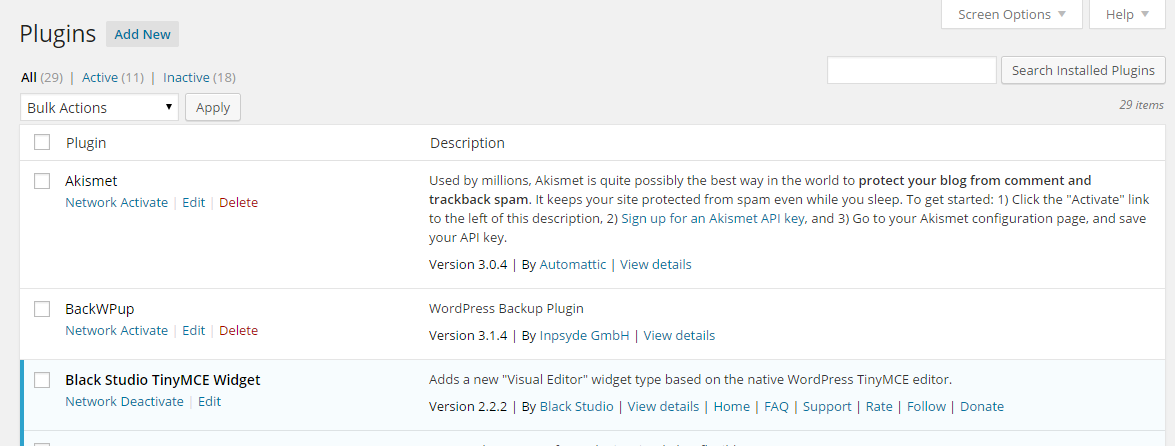
-
Click Upload Plugin, then use the file selector to locate the downloaded ZIP file.

-
Click Install Now, then Activate Plugin once the installation completes.
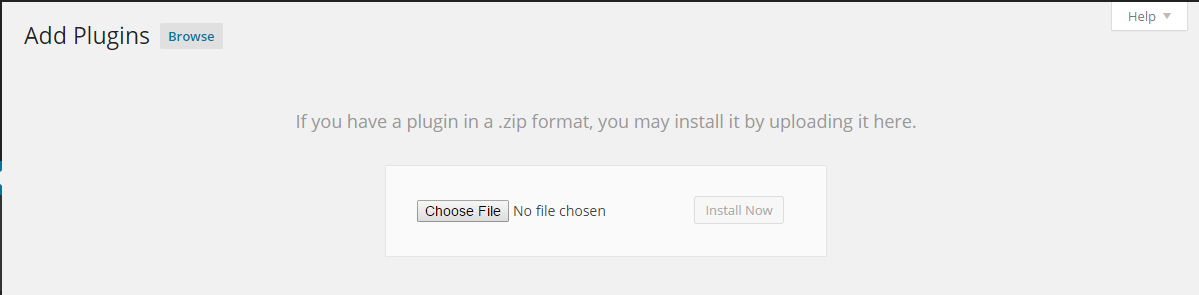
-
Navigate to Testimonials in the sidebar to start adding and managing your testimonials.