Getting to Know the Submit a Testimonial Form
This feature is available in the Premium Version. Once installed, a Submit a Testimonial page is automatically created on your website.
-
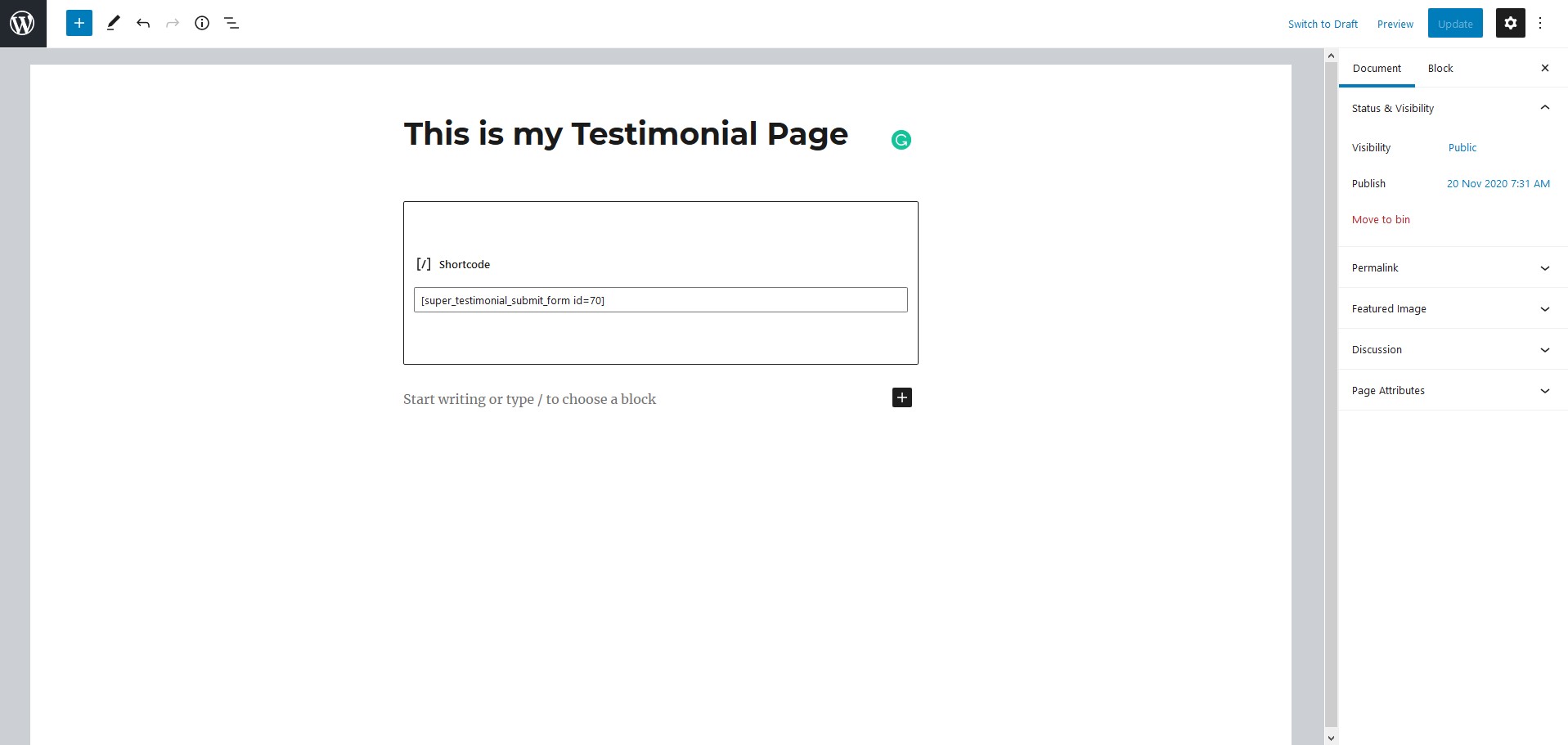
In your WordPress Dashboard, navigate to Pages and locate the page titled Submit A Testimonial. You will find the following shortcode already placed on that page:
[super_testimonial_submit_form id=1]This shortcode renders the testimonial submission form on your website.
-
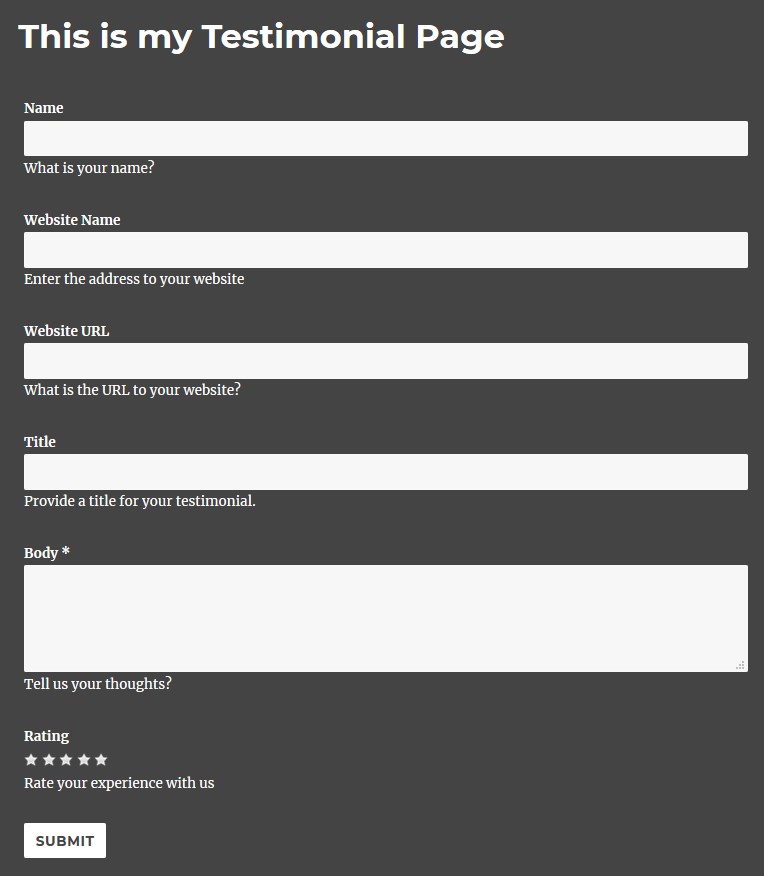
The form is displayed on the front end with a default style as shown below. Visit the page on your site to see it in action.
-
To customise the page content or layout, navigate to Pages in the admin sidebar and edit the Submit A Testimonial page directly.