Getting to Know the Settings Page
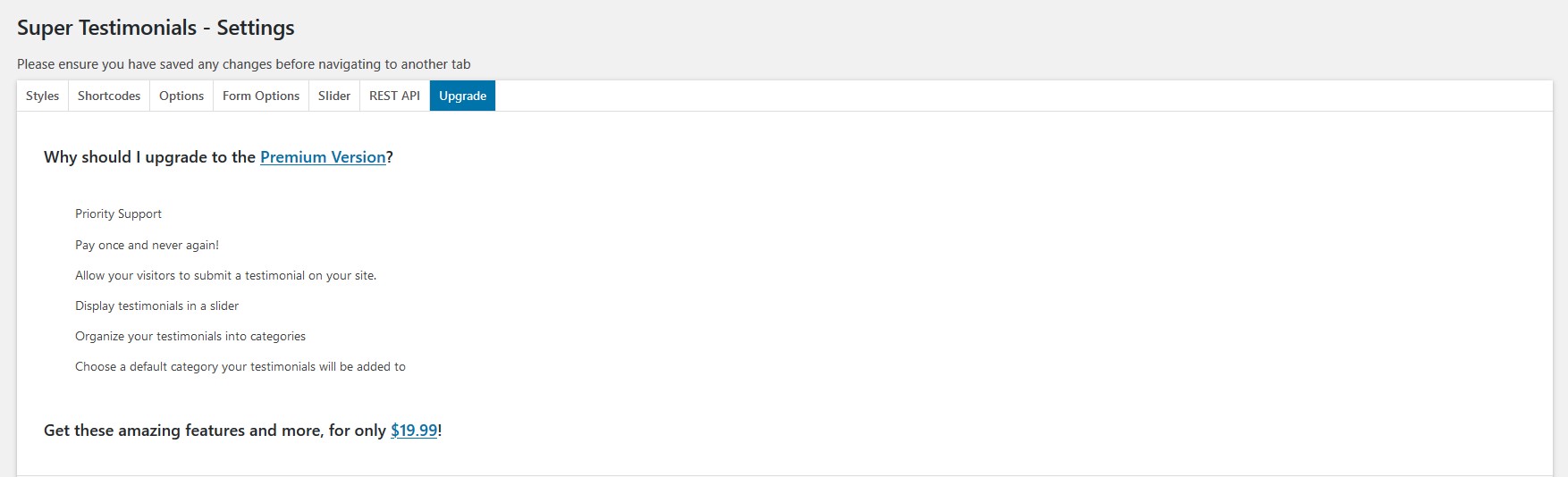
The Super Testimonials Settings page comprises seven tabs. Each tab controls a different aspect of your testimonials display and behaviour.
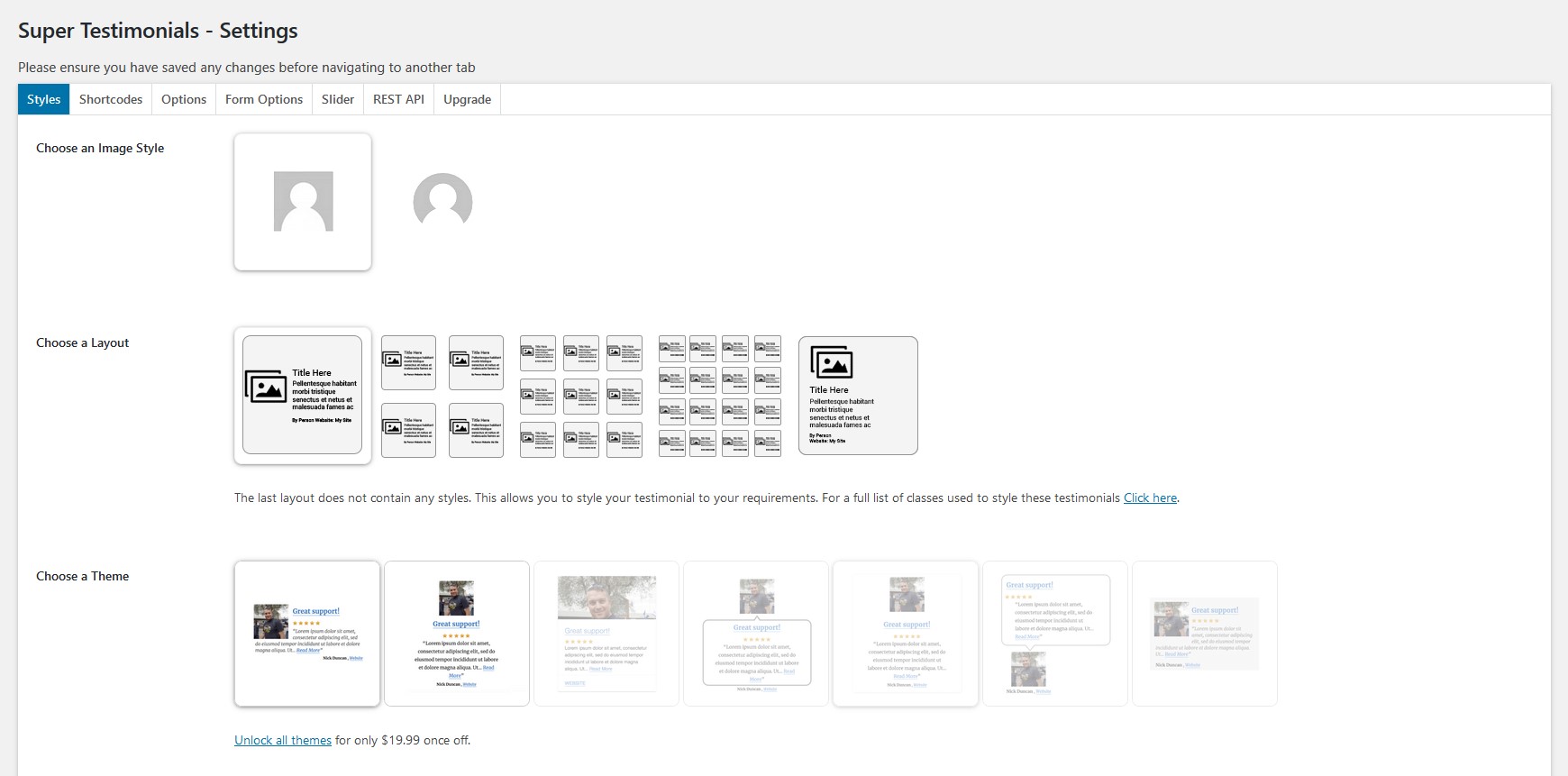
1 Styles choose an image style, layout, theme and customise your testimonials
- The Image style section lets you choose between a default squared image or a rounded image.
- The Layout section provides five options 1 column (default), 2 columns, 3 columns, 4 columns, or a custom layout you style yourself.
- The Choose a theme section contains six themes. The first two are available in the Free version; all six are available in the Premium version.
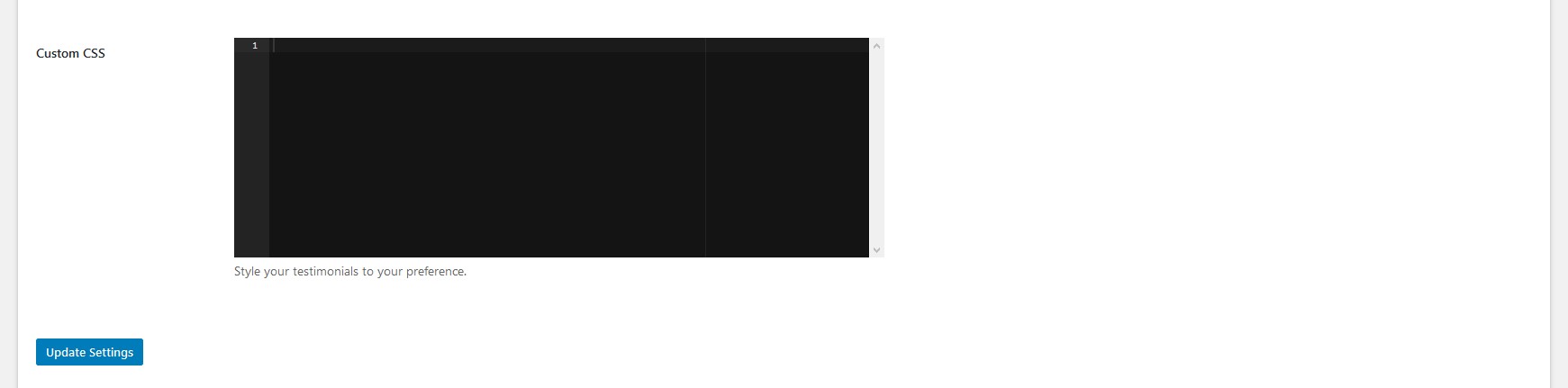
- The Custom CSS section provides a space to style your testimonials using your own CSS.
NB! Please save any changes before navigating to another tab.
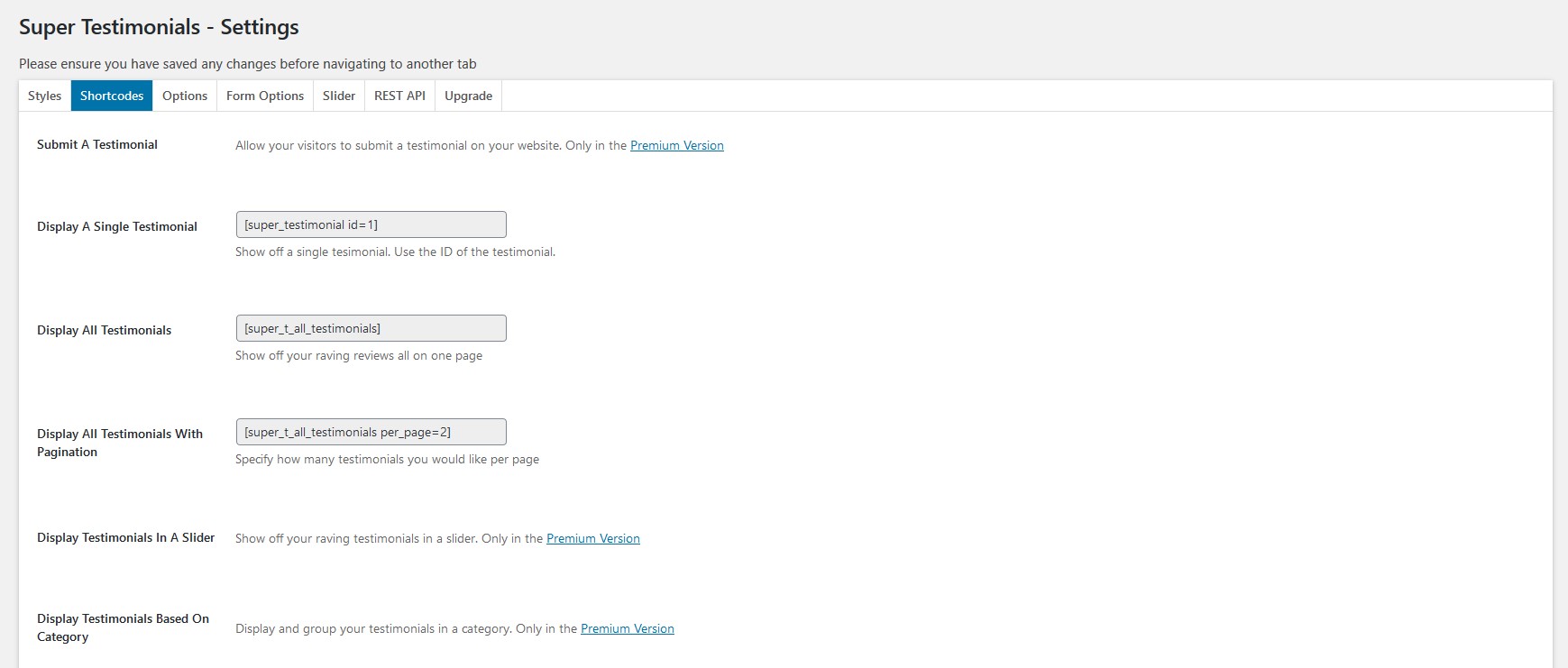
2 Shortcodes all the shortcodes you need in the plugin
The following shortcodes are available in the Free Version:
[super_testimonial id=1]
Display a single testimonial by its ID.
[super_t_all_testimonials]
Display all testimonials on one page.
[super_t_all_testimonials per_page=2]
Display testimonials with pagination set how many appear per page.
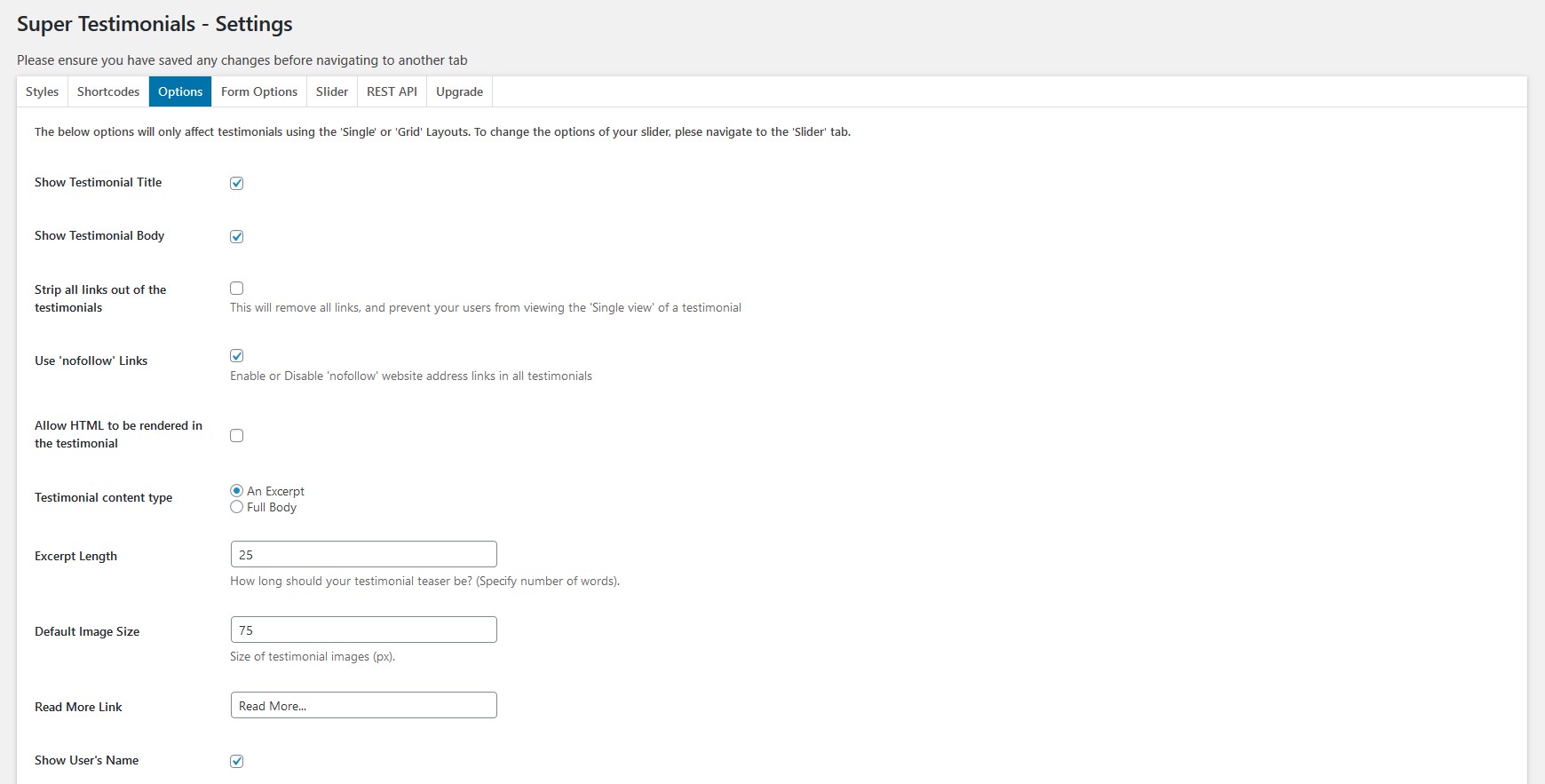
3 Options controls for single and grid layout testimonials
- Show or hide the testimonial title.
- Show or hide the testimonial body.
- Strip all links out of testimonial content.
- Mark links as nofollow.
- Enable HTML rendering in the testimonial edit page.
- Specify the testimonial content type.
- Set the excerpt length.
- Set the default image size.
- Customise the read more link.
- Show or hide the user's name.
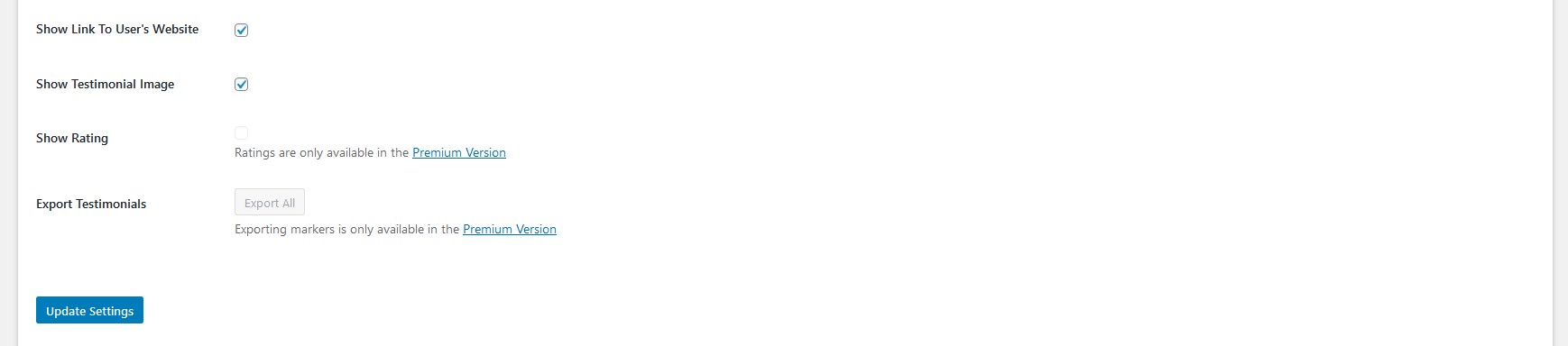
- Show or hide a link to the user's website.
- Show or hide the testimonial image.
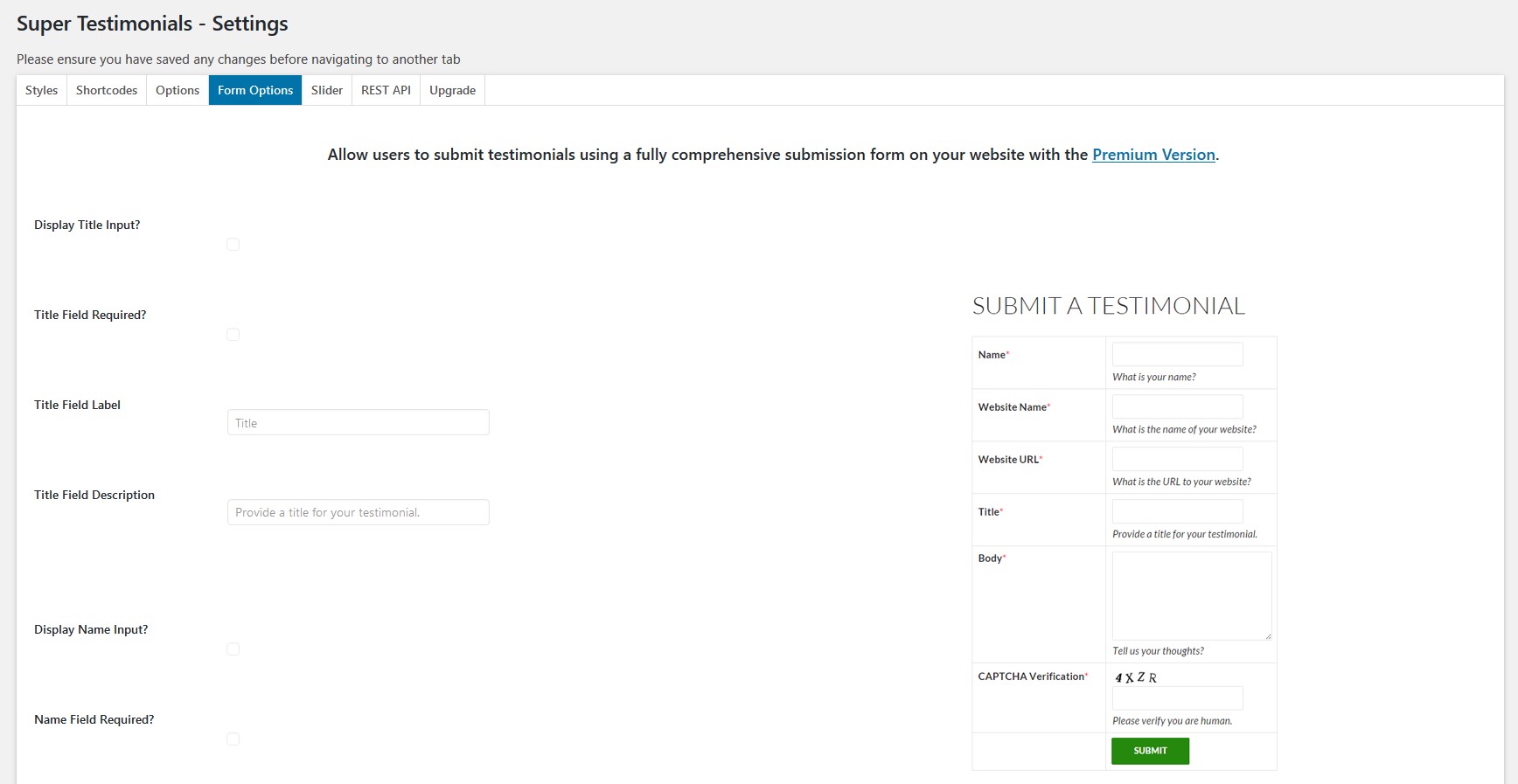
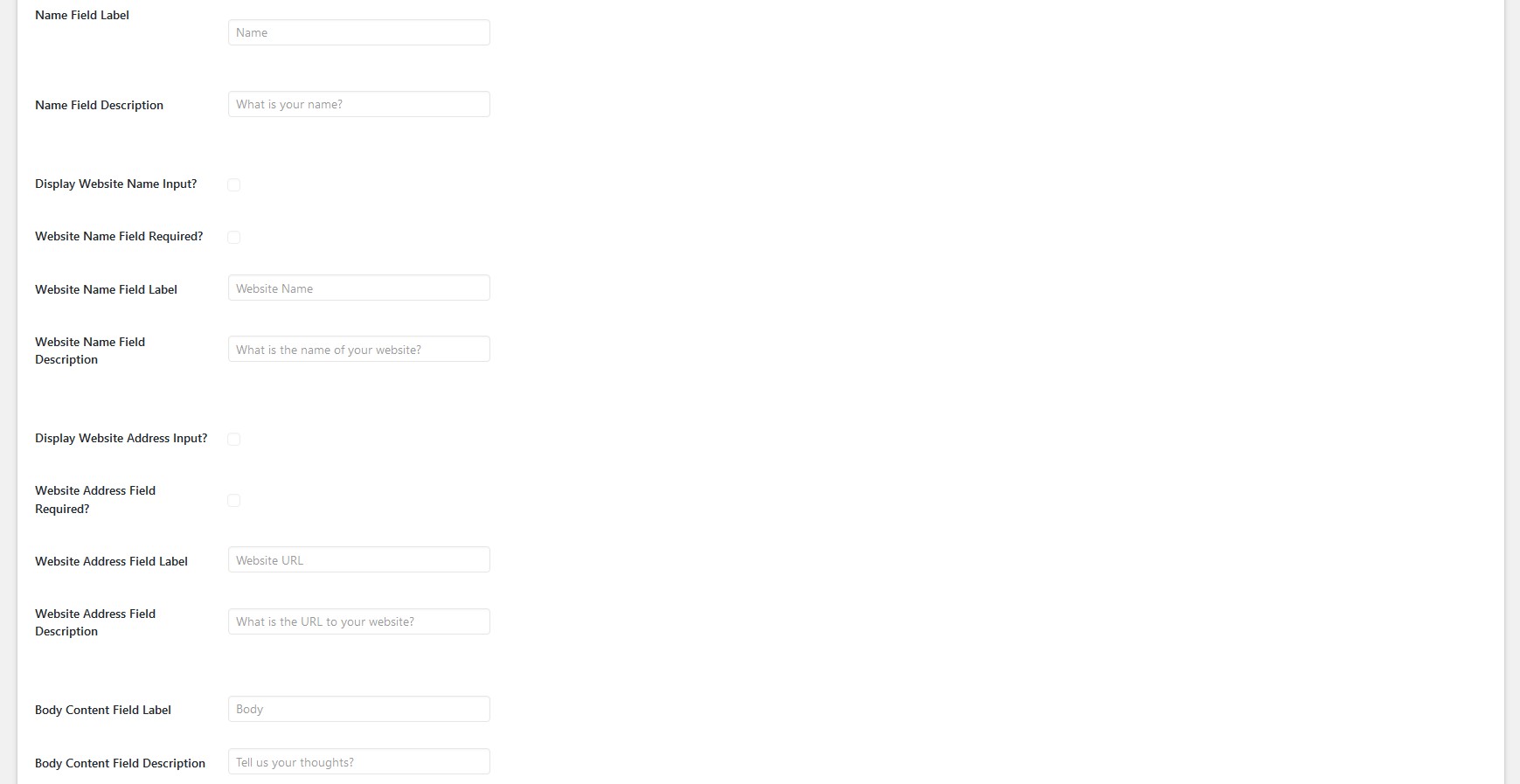
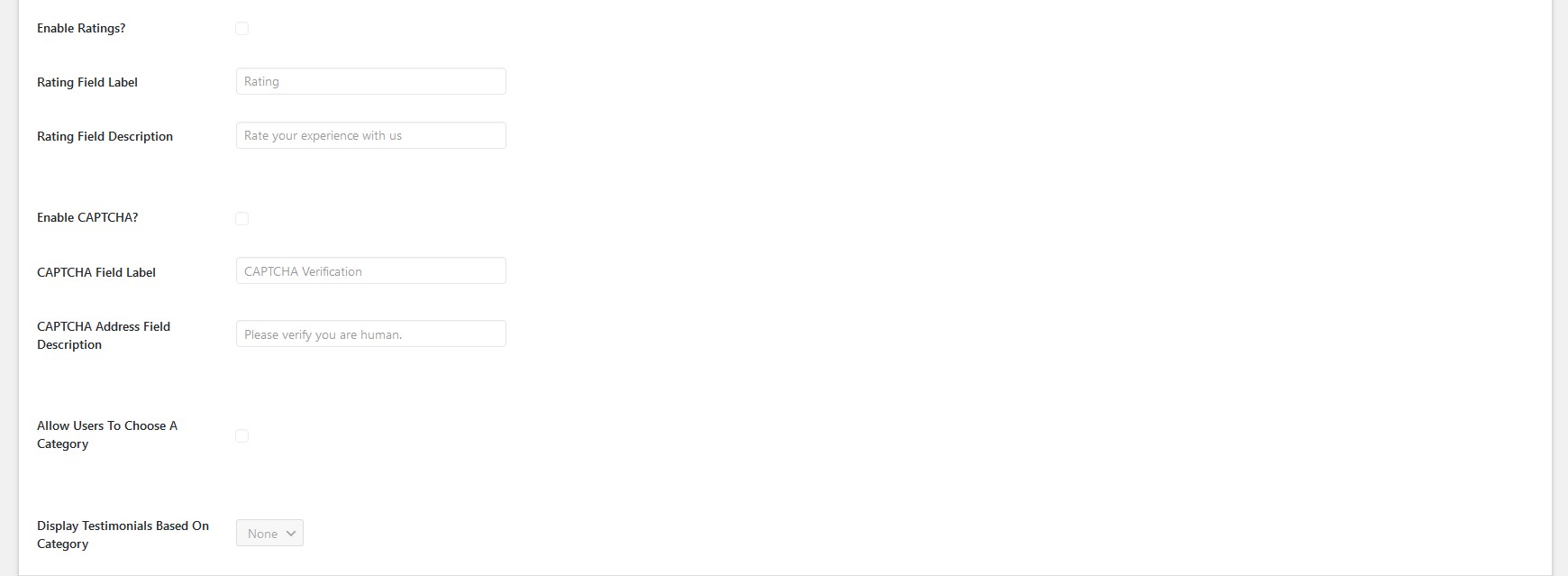
4 Form Options create a testimonial submission form
NB! All Form Options are only available in the Premium Version.
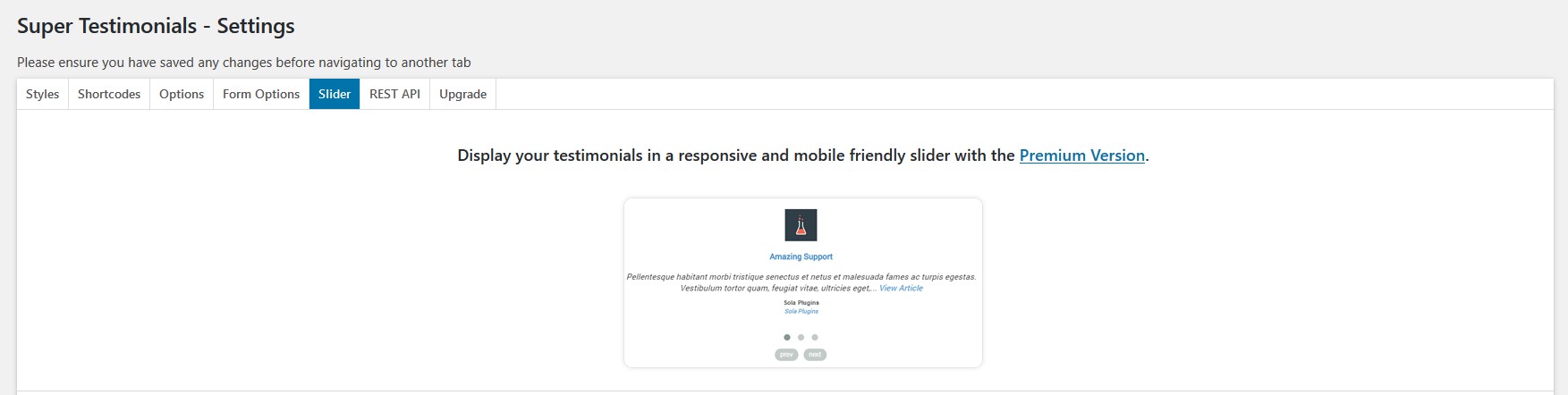
5 Slider customise a testimonial slider
NB! All Slider options are only available in the Premium Version.
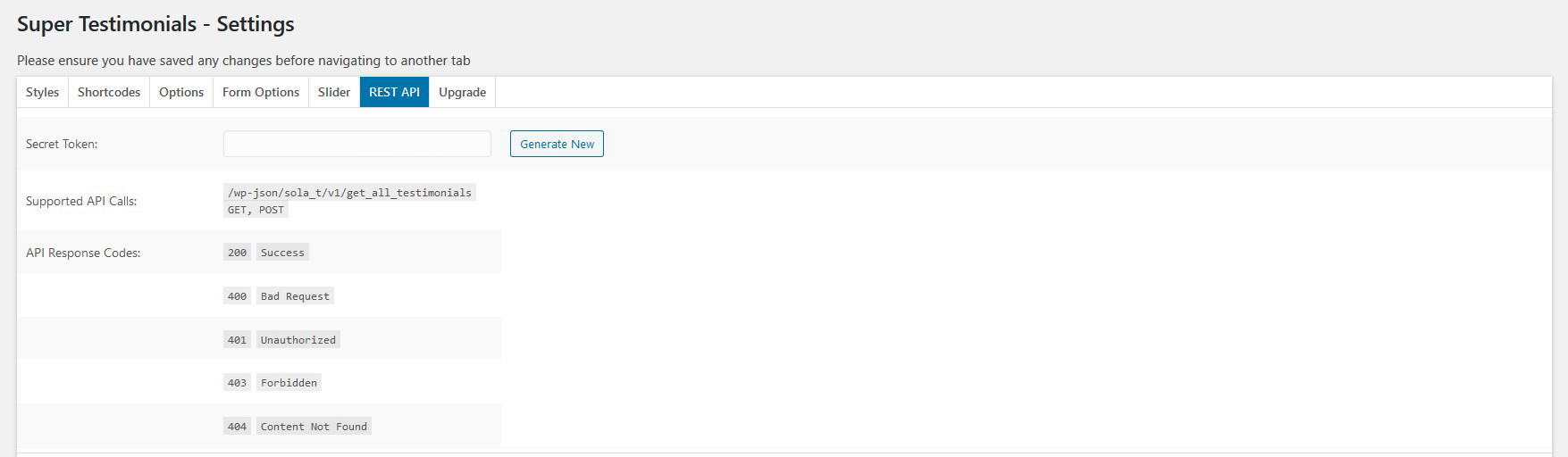
6 REST API information about the REST API
7 Upgrade see all the reasons to upgrade to Premium